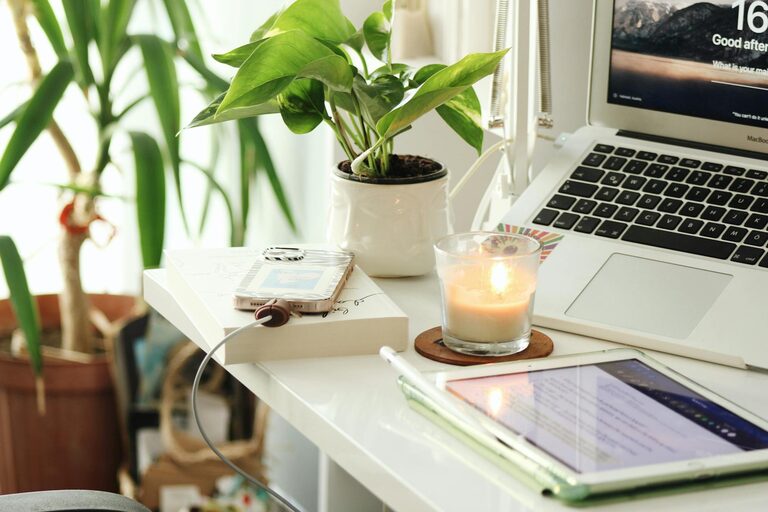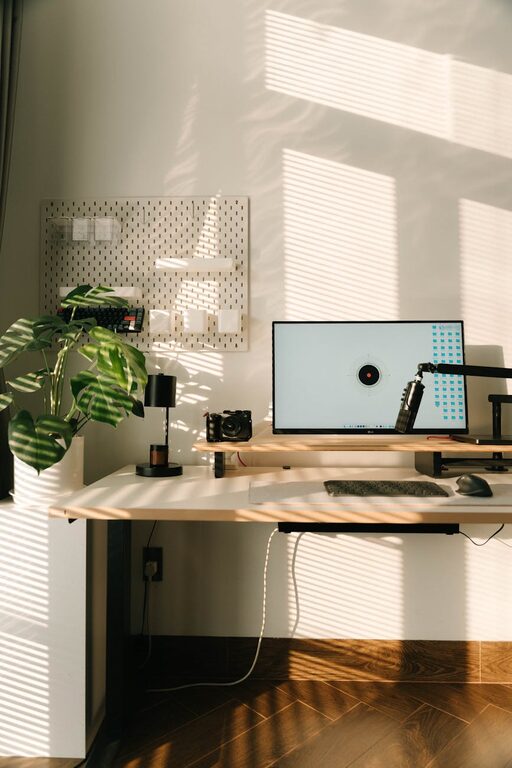
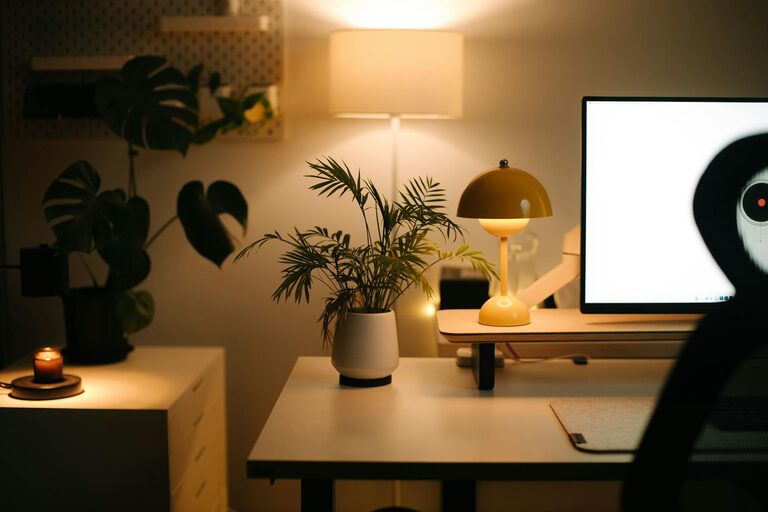
Creating a cozy and productive home workspace is essential for anyone working remotely or spending significant time on personal projects. A well-designed space can improve focus, reduce stress, and make the workday more enjoyable. Whether you have a dedicated room or just a small corner, these tips will help you build a comfortable and efficient environment tailored to your needs.
Choose the Right Location
Finding the ideal spot in your home is the first step to creating a functional workspace.
– Quiet and Low-Traffic Area: Select a place with minimal noise and distractions. This could be a spare room, a nook, or even a section of your bedroom.
– Natural Light: Position your workspace near a window if possible. Natural light helps reduce eye strain and boosts mood.
– Good Ventilation: Fresh air can keep you alert and comfortable throughout the day.
Invest in Comfortable and Ergonomic Furniture
Comfort is key for long hours spent working.
– Desk: Choose a desk with enough surface area for your computer, notebooks, and other essentials.
– Chair: Your chair should support good posture. Look for an adjustable chair with lumbar support.
– Alternatives: Consider sit-stand desks or ergonomic accessories like footrests and monitor stands to reduce strain.
Organize and Declutter
A tidy workspace encourages focus and creativity.
– Storage Solutions: Use shelves, drawers, or storage bins to keep supplies organized.
– Minimalism: Keep only items you use daily on your desk to avoid clutter.
– Cable Management: Use clips or ties to keep cables neat and out of the way.
Personalize Your Space
Small touches can make your workspace feel inviting.
– Plants: Adding greenery can improve air quality and reduce stress.
– Artwork and Photos: Display images that inspire or make you happy.
– Lighting: Use warm, adjustable lighting to create a cozy atmosphere. Desk lamps can provide focused light for tasks.
Set Up Technology Thoughtfully
Ensure your tech setup encourages productivity without causing frustration.
– Reliable Equipment: Use a fast computer, good-quality headphones, and a stable internet connection.
– Screen Positioning: Place your monitor at eye level to reduce neck and eye strain.
– Dual Monitors: If your work requires multiple windows, consider using a second screen.
Establish Boundaries and Routines
Separating work time from personal time is important when working from home.
– Set Work Hours: Create a schedule and stick to it to maintain balance.
– Clear Start and End Rituals: Develop habits to signal the beginning and end of your workday, like a morning coffee at your desk or shutting down your computer.
– Breaks: Take regular breaks to stretch and rest your eyes.
Use Noise Control Techniques
Depending on your environment, noise can be a distraction.
– Noise-Canceling Headphones: Great for blocking out background noise.
– White Noise or Music: Some people find soft background sounds help concentration.
– Soundproofing: Use rugs, curtains, or acoustic panels to reduce echo and external noise.
Maintain Your Workspace
Regular upkeep keeps your workspace productive and inviting.
– Daily Tidying: Spend a few minutes each day organizing.
– Weekly Deep Clean: Dust, vacuum, and sanitize your area.
– Review and Adjust: Periodically assess your setup and make changes as your needs evolve.
—
By thoughtfully designing your home workspace, you create an environment that supports both comfort and productivity. Remember that flexibility is key—feel free to experiment and change your setup until it feels just right. A cozy workspace isn’t just about aesthetics; it’s a foundation for achieving your best work every day.
About the Author