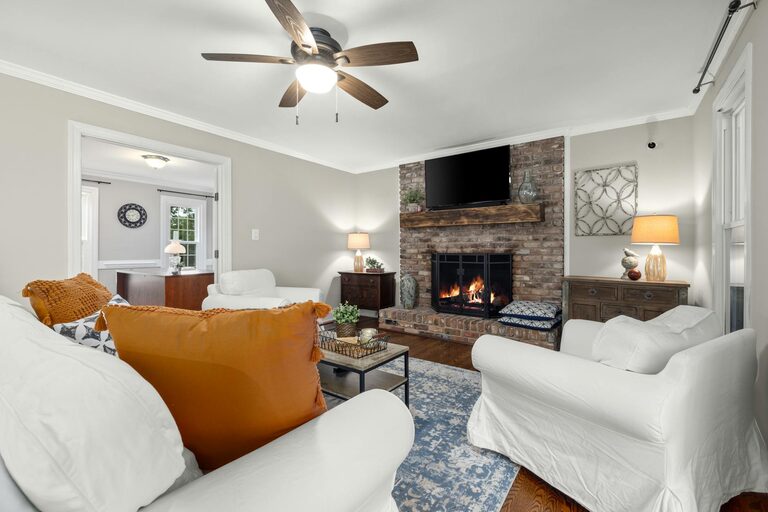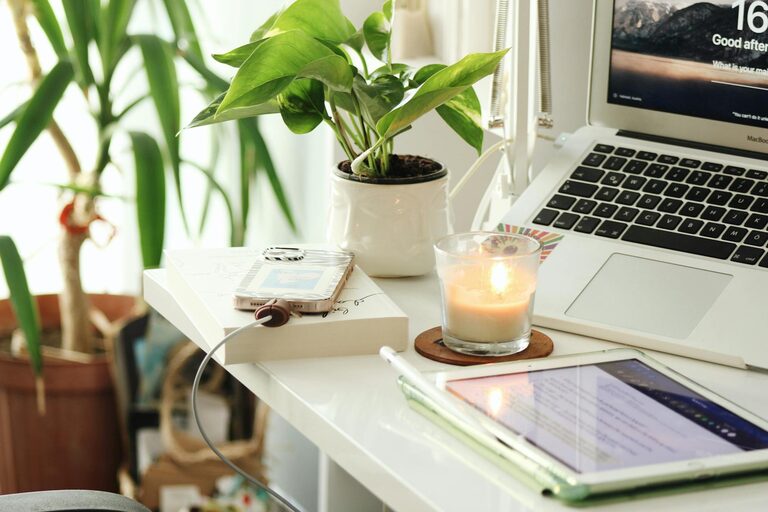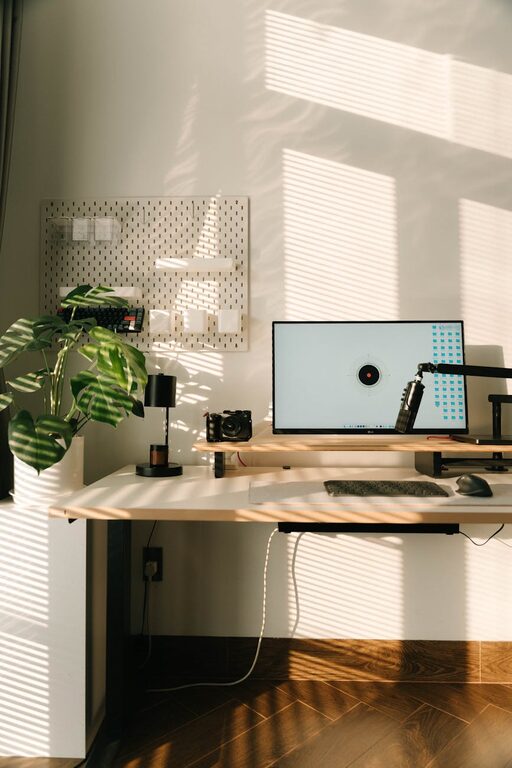
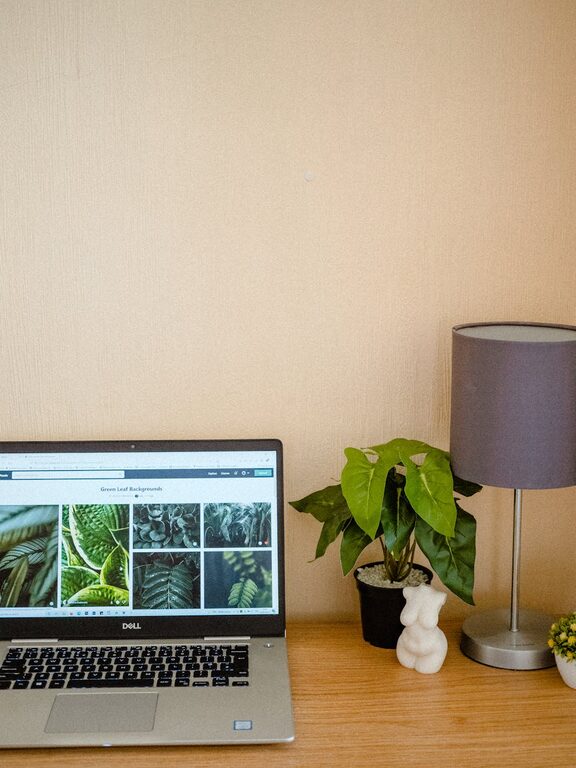
Creating a cozy and functional home workspace has become increasingly important as many people adapt to remote work or flexible schedules. A well-designed workspace not only helps improve productivity but also enhances comfort and reduces stress. This guide will walk you through practical tips to set up a home office that feels inviting and supports your work goals.
Why a Cozy and Functional Workspace Matters
Your environment greatly impacts your focus, creativity, and overall mood. A cozy workspace can make long hours feel less tiring, while a functional setup ensures you have everything you need within reach, helping minimize distractions.
Benefits of a Thoughtful Workspace
– Increases productivity by reducing clutter and organizing tools.
– Enhances comfort to avoid physical strain.
– Boosts motivation through pleasant surroundings.
– Supports work-life balance by clearly defining your work area.
Finding the Right Space
Even small homes can accommodate a home office if you pick the right spot.
Consider These Factors
– Natural Light: Choose a location with good sunlight, as it reduces eye strain and improves mood.
– Quietness: Pick a quiet corner or room to minimize interruptions.
– Space: Ensure enough room for your desk, chair, and storage.
– Privacy: Use screens or room dividers if necessary, especially in shared spaces.
Designing Your Workspace Layout
Once you have the space, focus on arranging furniture and equipment smartly.
Choosing the Desk and Chair
– Opt for a desk with enough surface area for your computer, notes, and any other essentials.
– Invest in an ergonomic chair that supports your posture to prevent back pain during long hours.
– Adjustable desks (sit-stand options) can be great if you want to alternate positions.
Organizing Your Equipment
– Keep frequently used items within arm’s reach to avoid unnecessary movement.
– Use cable management solutions to keep wires tidy and out of sight.
– Place a small shelf or drawers nearby to store documents and office supplies.
Decorating to Create a Cozy Atmosphere
The right decor can make your workspace welcoming and inspiring.
Color Choices
– Choose calming colors like soft blues, greens, or neutrals for walls and accessories.
– Use brighter accents sparingly to add energy without overwhelming the space.
Personal Touches
– Add plants to bring life and improve air quality.
– Hang artwork or motivational quotes that resonate with you.
– Use comfortable textiles like cushions or a small rug for warmth.
Lighting Tips for Comfort and Efficiency
Lighting is crucial to reduce eye strain and keep energy levels up.
– Position your desk near windows for natural light.
– Supplement with a desk lamp that has adjustable brightness.
– Use soft white light bulbs instead of harsh fluorescents to create a warm ambiance.
Managing Clutter and Staying Organized
Clutter can quickly reduce comfort and focus.
Practical Tips
– Implement a daily 5-minute tidy-up routine.
– Use organizers such as trays, baskets, or drawer dividers.
– Digitize documents when possible to limit paper pile-up.
Enhancing Your Workflow
Beyond the physical setup, consider how your workspace supports your work habits.
Technology Setup
– Choose reliable and fast internet connectivity.
– Keep chargers and peripherals organized.
– Use headphones or white noise apps if you need to minimize distractions.
Breaks and Movement
– Schedule short breaks to stretch and rest your eyes.
– Consider placing a water bottle nearby to stay hydrated.
– If space allows, include a small corner for relaxation or light exercise.
Final Thoughts
Creating a cozy and functional home workspace is about balancing comfort, organization, and personal style. Taking the time to design your work environment thoughtfully can improve your daily work experience and make working from home more enjoyable. Remember, your workspace should reflect your needs and preferences, helping you stay focused and inspired throughout the day.
—
By following these tips, you’ll be well on your way to crafting a home office that’s both inviting and supportive of your professional goals.
About the Author