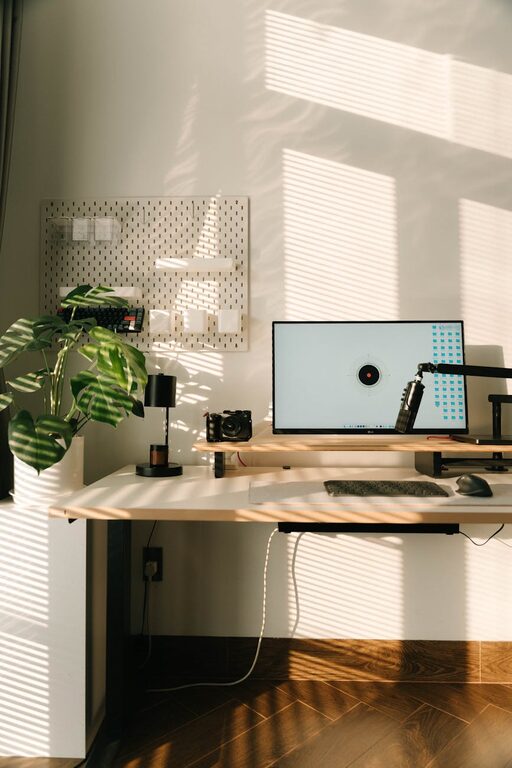
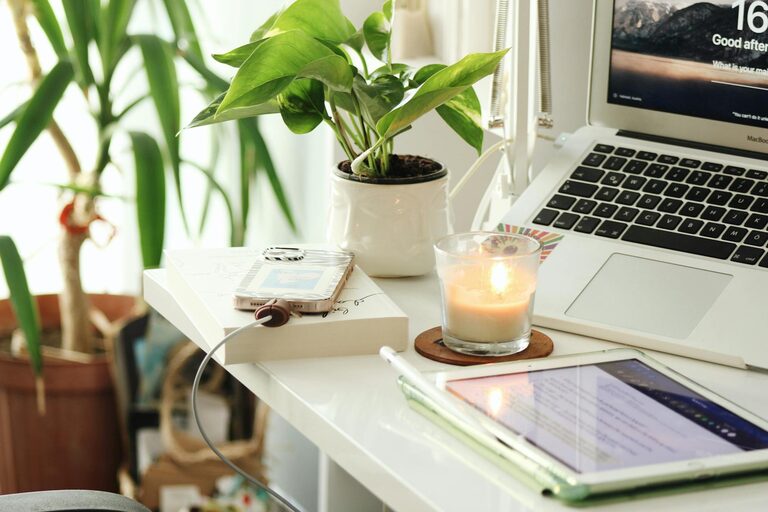
Creating a productive home office environment is essential for anyone working remotely or managing tasks from home. A well-designed workspace can enhance focus, reduce stress, and improve overall work quality. Whether you have a dedicated room or a small corner in your living space, these tips will help you create an environment that supports productivity and comfort.
Choose the Right Location
The first step in setting up a productive home office is selecting the best location. Ideally, this should be a quiet area with minimal distractions. Here are some factors to consider:
– Natural light: Position your desk near a window if possible. Natural light boosts mood and energy levels.
– Privacy: Choose a spot away from high-traffic areas to minimize interruptions.
– Space: Ensure there’s enough room for your desk, chair, and any equipment you need.
If space is limited, use room dividers or curtains to create a separate work zone.
Invest in Ergonomic Furniture
Comfort is key to maintaining productivity over long work hours. Ergonomic furniture supports good posture and reduces physical strain.
– Chair: Select an adjustable chair with good lumbar support. Your feet should rest flat on the floor, and your knees should be at a 90-degree angle.
– Desk: Choose a desk at the right height so your arms rest comfortably while typing. Standing desks or adjustable desks are also great options.
– Monitor placement: Position your computer screen at eye level about an arm’s length away to avoid neck strain.
Adding a keyboard tray, wrist support, or footrest can further enhance comfort.
Organize Your Workspace
A cluttered desk can distract and decrease efficiency. Keeping your workspace organized helps you stay focused and find tools quickly.
– Declutter regularly: Remove unnecessary items daily or weekly.
– Storage solutions: Use shelves, drawers, and organizers to keep supplies tidy.
– Cable management: Use clips or sleeves to keep cords neat and prevent tangling.
Having a clean and organized desk makes it easier to concentrate and reduces stress.
Optimize Lighting
Good lighting reduces eye strain and keeps you alert. Combining natural and artificial lighting is often the best approach.
– Ambient light: Use overhead lighting that evenly illuminates the room.
– Task lighting: Include adjustable desk lamps to focus light on your work area.
– Avoid glare: Position your screen to avoid reflections from windows or lights.
Consider using bulbs with a color temperature between 4000K and 6000K, which mimic daylight and help maintain alertness.
Minimize Distractions
At home, distractions are common. Creating boundaries and routines can help maintain focus.
– Set work hours: Define clear start and end times for your workday.
– Use noise control: Use noise-canceling headphones or white noise machines if ambient noise is an issue.
– Turn off notifications: Limit phone and computer notifications during work sessions.
– Communicate boundaries: Let family or housemates know your work schedule.
Establishing these habits helps separate work time from personal time and supports concentration.
Personalize Your Space
A workspace that feels welcoming can boost motivation. Adding personal touches makes your office inviting and inspiring.
– Decorate with plants: Indoor plants improve air quality and add a calming green touch.
– Use meaningful art: Hang artwork or photos that uplift your mood.
– Choose colors wisely: Colors like blue and green are known to encourage calm and productivity.
Just be careful not to overdecorate — keep the space professional and free from too many distractions.
Take Breaks and Move
Physical movement is important to maintain focus and reduce fatigue.
– Schedule breaks: Use techniques like the Pomodoro method (25 minutes work, 5 minutes break) to structure your day.
– Stretch regularly: Stand up, stretch, or take short walks to keep your body active.
– Stay hydrated: Keep water nearby to help maintain energy levels.
Moving during breaks refreshes your mind and helps prevent burnout.
Use Technology to Your Advantage
Technology can streamline workflows and improve productivity.
– Productivity apps: Use calendar apps, task managers, or timers to stay organized.
– Cloud storage: Access files from anywhere and collaborate easily.
– Reliable internet: Ensure you have a fast and stable connection to avoid interruptions.
Regularly updating software and backing up your data also protects your work.
Maintain Good Air Quality
A fresh environment helps you stay alert and comfortable.
– Ventilation: Open a window occasionally or use fans to circulate air.
– Air purifiers: Consider using an air purifier if your space tends to be stuffy.
– Humidity: Use a humidifier or dehumidifier to maintain comfortable moisture levels.
Good air quality contributes to physical well-being and work endurance.
—
Creating a productive home office environment involves more than just placing a desk and chair in a room. Thoughtful design, organization, and daily habits all play a role in helping you focus and perform your best. By implementing these tips, you can craft a workspace that inspires productivity and supports your professional or personal goals.
About the Author