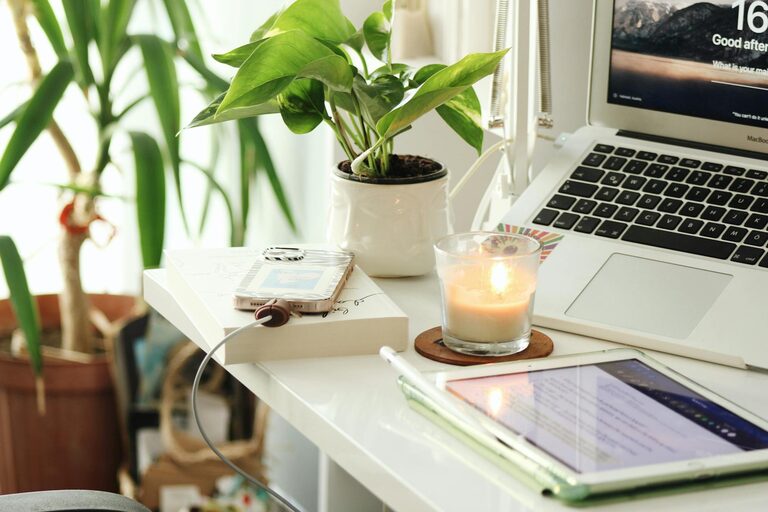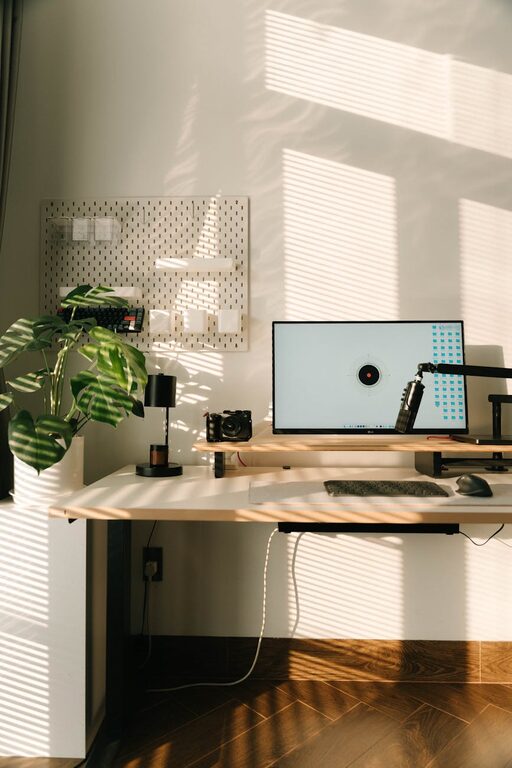
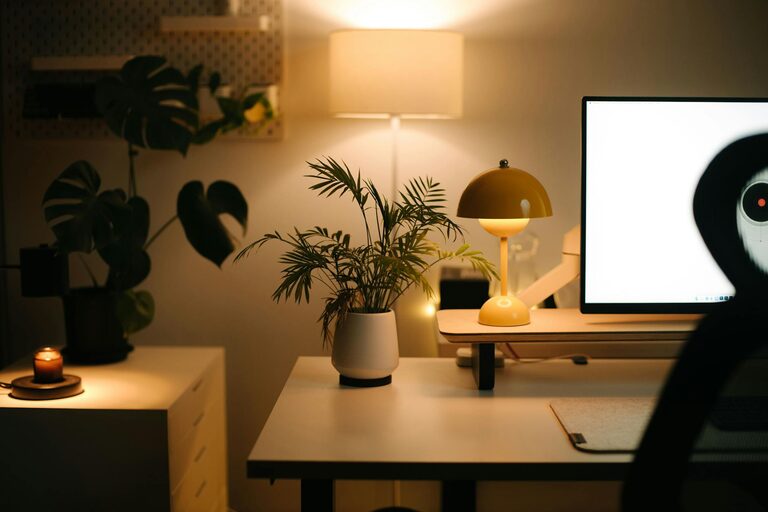
Creating a home workspace that is both cozy and functional can greatly enhance your productivity and well-being, especially as more people embrace remote work and flexible schedules. A well-designed space encourages focus, reduces stress, and makes working from home a more enjoyable experience. In this post, we’ll explore practical tips and ideas to help you craft a workspace that meets your needs while feeling inviting and comfortable.
Choose the Right Location
Finding the ideal spot for your workspace is the first and most important step. Consider the following factors:
– Natural light: Position your desk near a window if possible. Natural light boosts mood and reduces eye strain.
– Noise level: Select a quiet area with minimal distractions, especially if you take calls or attend virtual meetings.
– Space availability: Ensure there’s enough room for your desk, chair, and any equipment you need, without feeling cramped.
Remember, your workspace doesn’t need to be a separate room—a quiet corner or even a portion of your living room can work well if organized thoughtfully.
Invest in Ergonomic Furniture
Comfort is key when you spend hours at your desk. Ergonomic furniture protects your posture and helps you stay comfortable throughout the day.
– Chair: Choose an adjustable office chair with good lumbar support. Your feet should rest flat on the floor, and your knees should be at a 90-degree angle.
– Desk: A desk at the right height—usually around your elbow height when seated—prevents strain on your wrists and shoulders.
– Accessories: Consider wrist rests, footrests, or ergonomic keyboards and mice to reduce fatigue.
Investing in proper ergonomic furniture is an investment in your health and productivity.
Use Effective Lighting
Good lighting is essential in preventing eye strain and creating a welcoming ambiance.
– Layer your lighting: Combine overhead lights with task lighting, such as a desk lamp, for flexibility.
– Adjust color temperature: A light that mimics natural daylight (between 5000-6500 Kelvin) can keep you alert, while warmer lights (2700-3000 Kelvin) create a relaxed ambiance for breaks.
– Reduce glare: Position your monitor to avoid glare from windows or lights, and use adjustable blinds or curtains if needed.
Organize and Declutter
A clutter-free space helps clear your mind and improves efficiency.
– Use storage solutions: Shelves, filing cabinets, and drawer organizers keep your supplies neatly arranged.
– Minimize distractions: Keep only essential items on your desk.
– Cable management: Use clips or cable sleeves to keep cords tidy and out of the way.
Regularly tidying up your workspace can maintain a sense of order and calm.
Personalize Your Space
Adding personal touches makes your home workspace feel inviting and uniquely yours.
– Incorporate plants: Indoor plants improve air quality and add a calming green touch.
– Add artwork or photos: Display inspiring images or photos that bring joy.
– Choose colors you love: Use accessories, wall art, or décor items with colors that boost your mood and creativity.
Personal elements create a comfortable environment that motivates you to work.
Maximize Technology Setup
Reliable technology is critical for a smooth workflow.
– Monitor setup: Consider a larger monitor or dual displays for multitasking.
– Strong internet connection: If possible, use a wired connection or a high-quality router.
– Organized workspace tech: Use a docking station or charging station to reduce clutter.
Make sure your workspace supports all your tech needs without creating chaos.
Create Defined Work Hours and Boundaries
While the physical space is important, your habits also matter.
– Set work hours: Define specific start and stop times to maintain balance.
– Use visual cues: A “work mode” sign, closing a door, or even changing into work clothes can signal the start of the workday.
– Take breaks: Step away regularly to stretch, move, or relax your eyes.
Establishing routines within your workspace helps maintain productivity and mental health.
Incorporate Comfort Elements
Adding cozy touches can make your workspace more inviting.
– Comfortable textiles: A soft rug, cushy cushions, or a throw blanket can enhance comfort.
– Temperature control: Keep a small fan or heater nearby to regulate temperature.
– Refreshment area: A water bottle or a small coffee station within reach can keep you hydrated and refreshed.
Creating comfort boosts your overall satisfaction while working at home.
—
Designing a cozy and functional home workspace involves balancing comfort, organization, and efficiency. By paying attention to lighting, furniture, location, and personal touches, you can create an environment that supports your work and well-being. Whether you have a dedicated room or just a corner, these tips can help you build a space where you look forward to spending your workday.
About the Author