
Creating a home office that is both cozy and productive can greatly improve your work-from-home experience. Whether you’re working full-time remotely or just need a dedicated spot for personal projects, designing a space that feels comfortable yet promotes focus is key. In this post, we’ll explore practical tips to help you create a home office that encourages productivity without sacrificing comfort.
Choose the Right Location
Consider Natural Light
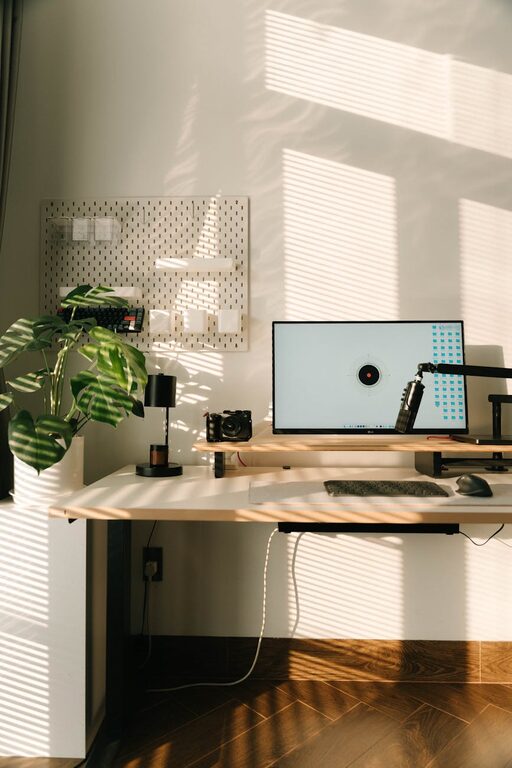
If possible, set up your office near a window. Natural light boosts mood and energy, and it reduces eye strain. Position your desk so that the light doesn’t create glare on your screen but still brightens your workspace.
Pick a Quiet Spot
Select a part of your home that is away from noisy areas such as the kitchen or living room. A quieter space helps you maintain concentration and minimizes distractions.
Invest in Comfortable Furniture
Ergonomic Chair
A chair with good lumbar support is essential for health and comfort, especially when you’re sitting for long periods. Look for adjustable chairs that support your posture.
Suitable Desk
Choose a desk that fits your needs — whether a compact writing desk or a larger workstation with room for multiple monitors and supplies. Adjustable desks with standing options can offer flexibility to change positions during the day.
Organize for Efficiency
Keep It Clutter-Free
A tidy space promotes clear thinking. Use organizers, drawers, and shelves to keep supplies and documents neatly stored. Regularly declutter to maintain focus.
Use Cable Management
Messy cords can be distracting. Use clips, sleeves, or under-desk trays to keep cables organized and out of sight.
Add Cozy Elements
Soft Textiles
Incorporate a rug, cushions, or a throw blanket to soften the space. These touches make the room feel welcoming and can improve comfort during cooler months.
Warm Lighting
Aside from natural light, add warm artificial lighting like table lamps or floor lamps. Soft lighting reduces eye fatigue and creates a relaxing atmosphere.
Personal Touches
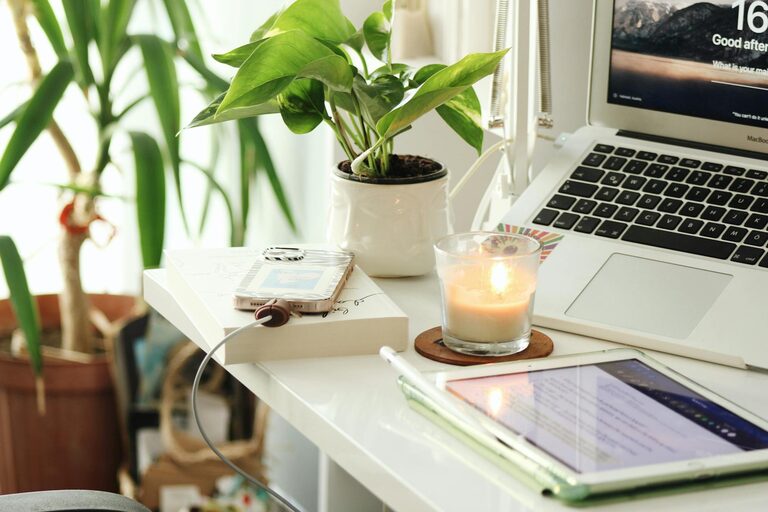
Display photos, artwork, or plants to make your office feel personal and inviting. Plants especially add a fresh look and improve air quality.
Maximize Productivity
Set Boundaries
Establish clear work hours and communicate them to household members if possible. This helps minimize interruptions and sets expectations.
Minimize Distractions
Avoid keeping non-work-related items in your office. Use noise-canceling headphones or play background music if it helps you focus.
Use Task Lists and Timers
Create daily to-do lists and consider using timers (like the Pomodoro Technique) to maintain focus and manage breaks.
Maintain Good Air Quality and Temperature
Ventilation
Ensure your space is well-ventilated. Fresh air reduces fatigue and improves concentration.
Temperature Control
Keep the room at a comfortable temperature. Too hot or too cold can negatively affect productivity.
Embrace Technology
Reliable Equipment
Invest in a good internet connection, quality headset or microphone, and essential peripherals to avoid technical frustrations.
Multiple Screens
If your work requires it, having more than one screen can increase efficiency and reduce the hassle of switching between windows.
Final Thoughts
Designing a cozy and productive home office takes some planning, but the payoff is a workspace where you can feel comfortable, stay motivated, and get your best work done. Focus on lighting, ergonomics, organization, and personal touches to create an environment that supports your needs. Remember, a home office is not just a place to work—it’s a space that can inspire creativity and productivity while still being a part of your comfortable home life.
About the Author